
Imagine an ERP project priced at THB 600,000. The team delivers on time and the client accepts the work as planned. But the consultants had to redo parts of the data migration several times, and developers got pulled into go-live support. When it’s time to quote the next project, everyone remembers the work was harder than expected. Nobody can say how much more effort it took or where those hours went.
A timesheet records what people worked on and how long it took. I think it’s worth asking employees to log time when the company uses it for decisions such as billing, checking delivery costs, or staffing projects. If everyone submits hours each week and nothing changes as a result, the company is paying to collect data it doesn’t use.
Here, hours mean time spent on work. A company may handle attendance and overtime approvals through separate processes, each with its own purpose.
Fixed-price and time-and-materials contracts use hours differently
Fixed-price projects use actual hours to track internal delivery costs against estimates and see which stages took more effort than planned. On ERP work, that could be discovery, migration, user acceptance testing, user training, or go-live support. Track added scope separately so you can see its effect on the plan and follow the contract’s change approval process. The hours logged do not change the agreed price by themselves.
Time and materials (T&M) uses time records as billing inputs under the contract, including agreed rates by role, eligible work, and hour caps. Some project hours may be chargeable while the company absorbs the cost of others. Odoo 19 offers billing based on timesheets alongside options such as fixed-price and milestone-based invoicing. Its project profitability view shows revenue and employee time costs based on the configuration. Odoo’s time-and-materials guide · Odoo’s project profitability guide
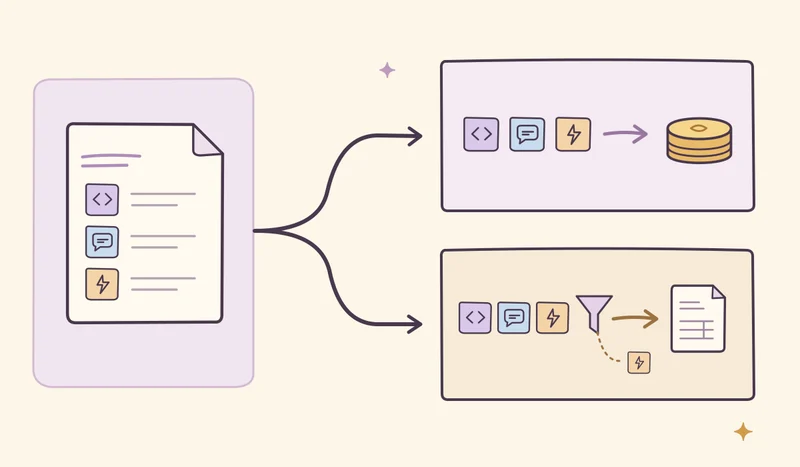
The project shipped on time. What did the extra work cost?
In the hypothetical ERP project above, the company quotes THB 600,000, budgets 500 hours, and uses a blended internal labor cost of THB 800 per hour to keep the math simple. By the end of the project, the team has logged 620 hours.
| Item | Plan | At completion |
|---|---|---|
| Contract price | THB 600,000 | THB 600,000 |
| Hours worked | 500 | 620 |
| Labor cost | THB 400,000 | THB 496,000 |
| Contract price less labor cost | THB 200,000 | THB 104,000 |
The extra 120 hours cost THB 96,000. The remaining amount is before other costs such as subcontractors, travel, or infrastructure. For real projects, use the company’s internal cost rates by role or employee and track selling rates separately.
If the extra time came from repeatedly converting client data files, the team can decide whether to budget more for migration, agree on file formats up front, or build a validator that catches problems sooner. If the extra hours came from added scope, the response changes.
Nonbillable work helps the company deliver
Code review, mentoring, improving a migration tool, and helping estimate work before a sale all take real time and can benefit the business. Whether the client can be billed depends on the contract. I’d track the project or category of internal work so the next staffing plan can reserve enough capacity for it.
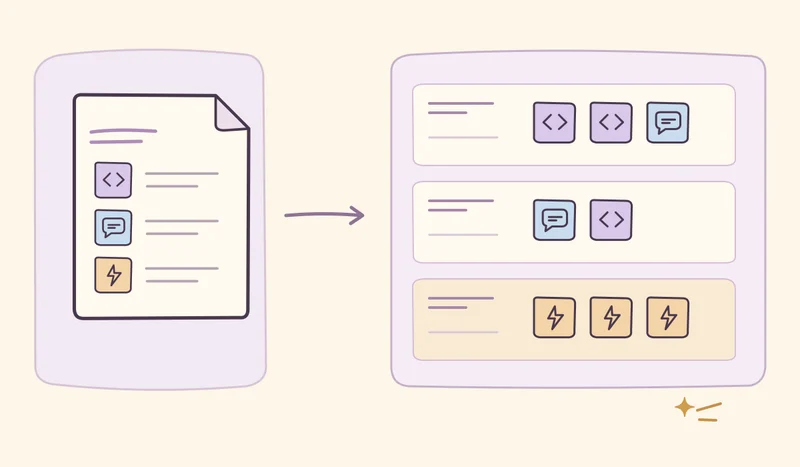
Staffing also depends on time off, required skills, and existing commitments. If you track billable utilization, say whether the denominator is logged hours or available working hours, and keep it consistent when comparing periods. Roles and project stages differ substantially, so use the ratio in the context of a team’s workload.
Time tracking has a cost, and targets can change behavior
Too many categories or a form people fill in from memory at the end of the month can make the records less reliable. If managers rank people by hours, employees may move time from internal work to client projects or avoid helping a teammate because it won’t count toward a target. The report may look better while the data becomes less useful for planning.
Nicole Forsgren and her coauthors’ SPACE framework considers developer productivity across several dimensions, including the quality of the work, communication and collaboration, and how smoothly work flows. I’d read time records alongside what the team delivered, work quality, and rework. Start staffing discussions at the team level. Use individual records where needed for cost checks or billing, and explain who can see the records and what they’re used for. The SPACE of Developer Productivity
Start with a weekly workflow that’s easy to check
- Choose categories based on the decisions you make. Record the date, project, task or category, hours, and a note where needed. Start with categories people can reliably tell apart, such as delivery, support, presales, and internal work. If you need to distinguish stages to price future ERP work, add the stages someone will review.
- Log time close to the work and close the week. Let employees log time from the task and use a level of detail that fits how the company plans work and bills clients. Give people a way to capture interruptions and correct entries. Record the work that happened even when the total differs from expectations.
- Have the project manager review entries that affect decisions. Check time charged to the wrong project, work that has gone over plan, and entries about to be billed under the contract. If an approved entry needs a correction, keep a record of the change so you can reconcile the amount or explain it to the client. Odoo Timesheets guide
- Bring the data back to the team. If migration is running over, estimate the effort still required and decide whether to add people, adjust the schedule, or discuss scope. After closing the project, use the actual hours to improve the next estimate.
I’d start with one project and a specific question, such as whether the company underpriced data migration. Collect a few weeks of entries and see how well they answer that question. Drop categories that take time to fill out and go unused.